StarWars Movie on raspberry pi
Watch Star Wars In Linux Terminal via Telnet
I do not need to tell you about Star Wars and its cult status. It has been one of the most popular sci-fi movie franchises in the history of cinema.
Hardcore fans of Star Wars have seen these movies a number of times. If you are such a Star Wars fan, perhaps you won’t mind watching it again.
I am not talking about a digitally remastered version of the Star Wars movie. In fact, in terms of graphics, it’s nowhere close to what you would expect. It’s fun nonetheless.
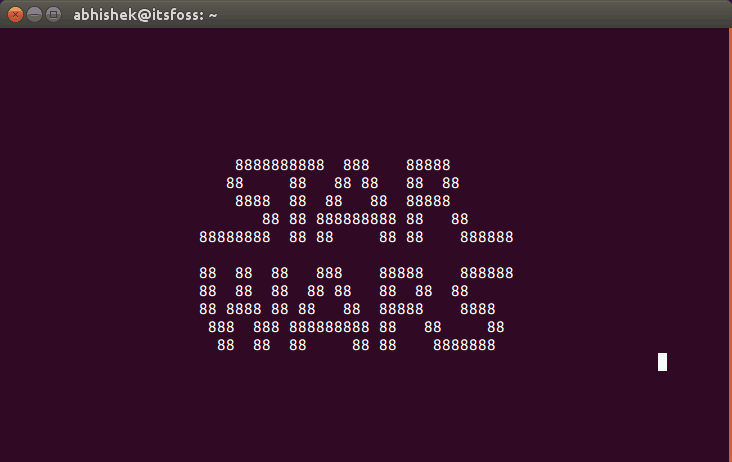
No, it won’t be HD, Blue Ray edition. Instead, it will be the ASCII version of Star Wars episode IV and you can watch it in Linux Terminal, in true geek way :)
Watch Star Wars in Linux Terminal Via Telnet
Open a terminal and use the following command to install telnet:
sudo apt install telnetAnd then use this command to watch Star Wars in ASCII art. Since it depends on the response from the end server, it may not always work.
telnet towel.blinkenlights.nl
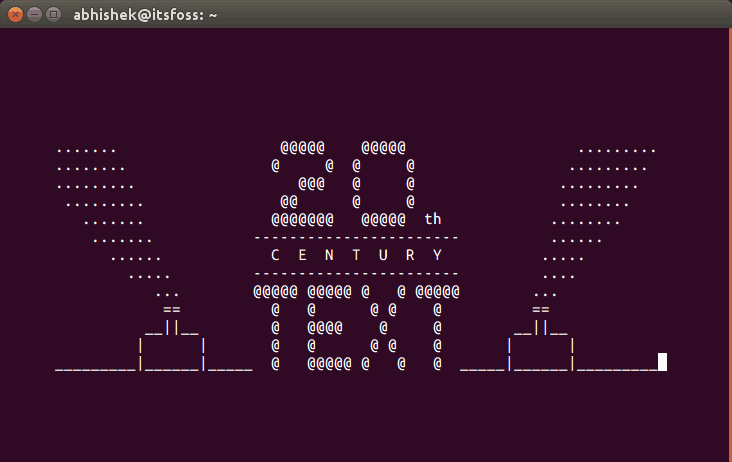
Wait for a few seconds and you can see animated ASCII art in the terminal like this:
And it will keep on going:
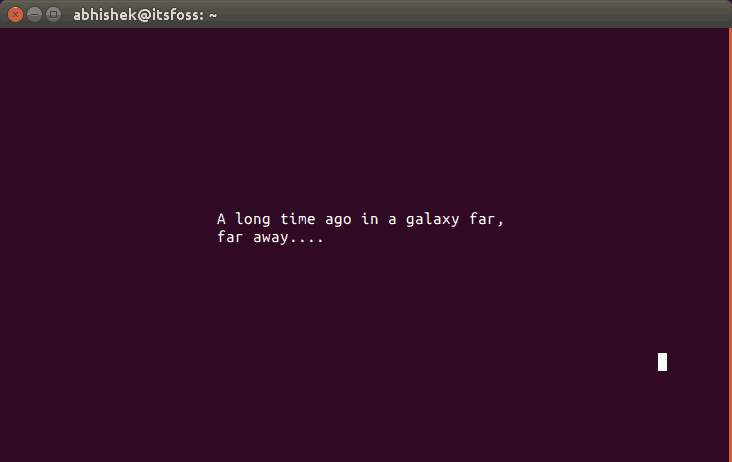
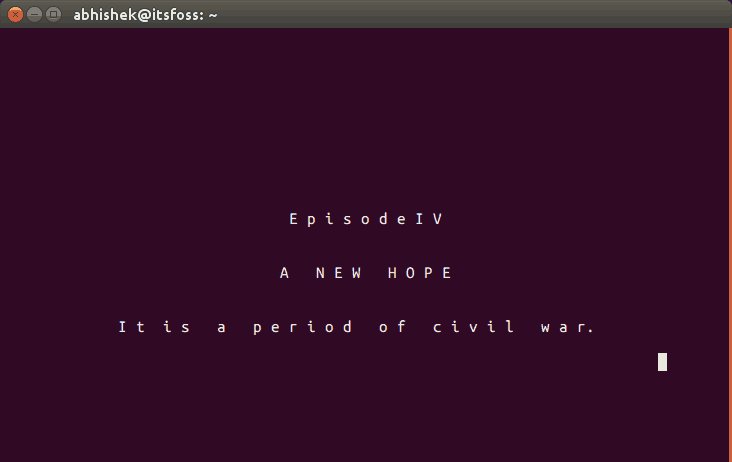
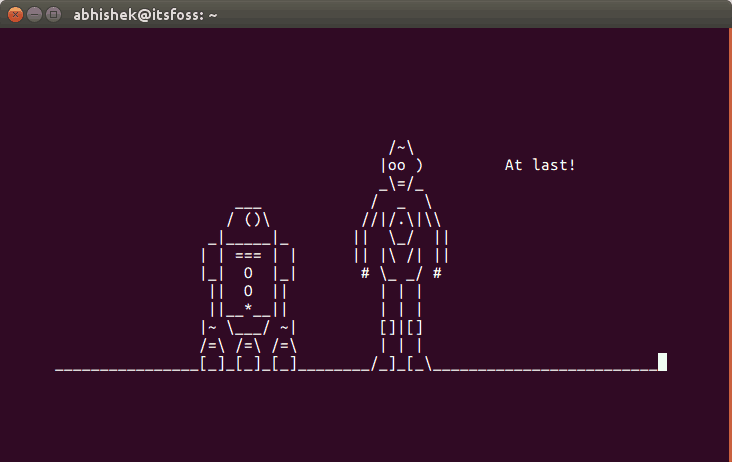
To stop the animation, press ctrl+]. After that type quit to come out of telnet command.
.jpg)
Comments
Post a Comment